Settings and your web address
Client Settings holds everything about the venue's setup. Only the venue's main login can open it. Fill in a section and choose its save button; passwords and keys are never shown again after they're saved (choose Change to replace one).
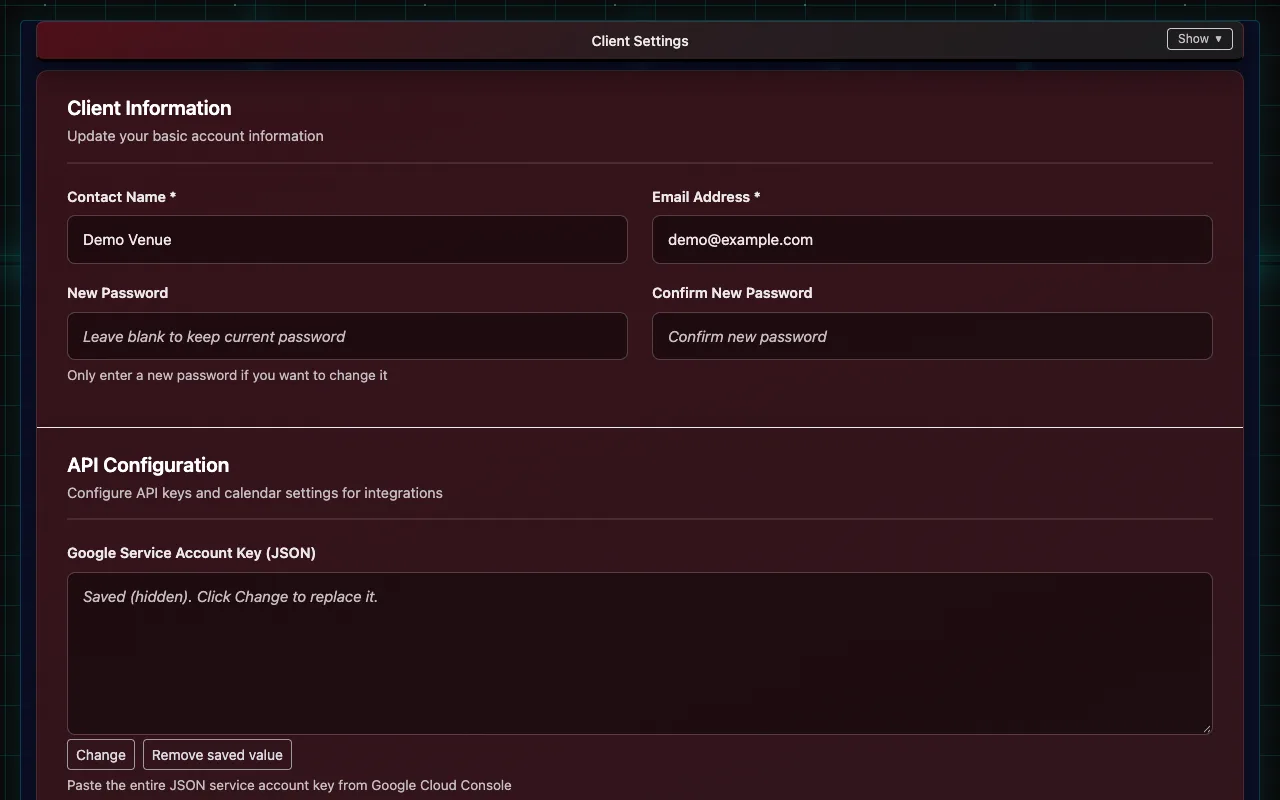
What each section is for
| Section | What's in it |
|---|---|
| Client Information | Contact name and email for the venue (alerts and IndieTix notices go here), and the main login's password |
| API Configuration | Google Calendar, the Anthropic key for Insights, the OMDB key for movie lookups, the Sender Email for tickets, an Owner BCC Email that gets a copy of every ticket email, a Walk-up Phone saved on register sales with no buyer phone, and One Per Email Items |
| Square Payment Settings | Your web address, and Connect Square |
| Theater Settings | Names, logo and the box-office report details |
| Square Ticket Items | Ticket types, prices and distributors for new movies and events |
| Social Media Integration | Facebook, Instagram and TikTok accounts for marketing posts |
| Event Locations | Your rooms or stages |
| Event Descriptors | Labels for showtimes, such as "Closed Caption" or "21+" |
| User Names | The names in the refund form's "Processed By" list |
| Ticket Settings | Ticket layout (portrait or landscape) |
| FTP Settings | Where nightly box-office reports are delivered |
| Communication Settings | Text-message tickets on or off (once texting is approved) |
| Terms & Privacy Pages | The venue's legal details for its own terms and privacy pages |
| Skeleton Keys | Reusable QR codes for comps, re-entry and staff |
| API Keys | Keys for partners and kiosks using IndieTix's public API |
Your logo
Under Theater Settings, choose Upload Logo to use your own on the staff pages and tickets, or Use Default Logo for the IndieTix logo.
Your web address
Each venue can pick its own address, like yourvenue.indietix.net, under Square Payment Settings → Your IndieTix web address (or at signup), then Save Address. Its login page fills in the Client ID, and its terms and privacy pages show the venue's own details (entered under Terms & Privacy Pages).
API keys
Partners and kiosks can sell or look up tickets through IndieTix's public API with a key made under API Keys. Each key has its own permissions and can be limited to certain events; it's shown once when made, so store it safely. Revoke a key to stop it working.