Getting started
How a venue signs up, how staff log in, and the first settings to fill in.
Signing up (hosted IndieTix)
- On the signup page, enter the venue's name and contact details, and optionally pick a web address (yourvenue.indietix.net).
- Sign in with Square using the venue's Square account and approve IndieTix's access.
- About a minute later the box office is ready, and a welcome email arrives with the venue's Client ID and a link to set the password.
The Client ID and the main login's username are the same.
Promoters without a venue sign up the same way, with their own Square account (a free Square account works). Skip the theater and box-office report settings; set your Event Locations to the rooms you book, and your promoter name as the Event Distributor under Square Ticket Items.
Logging in
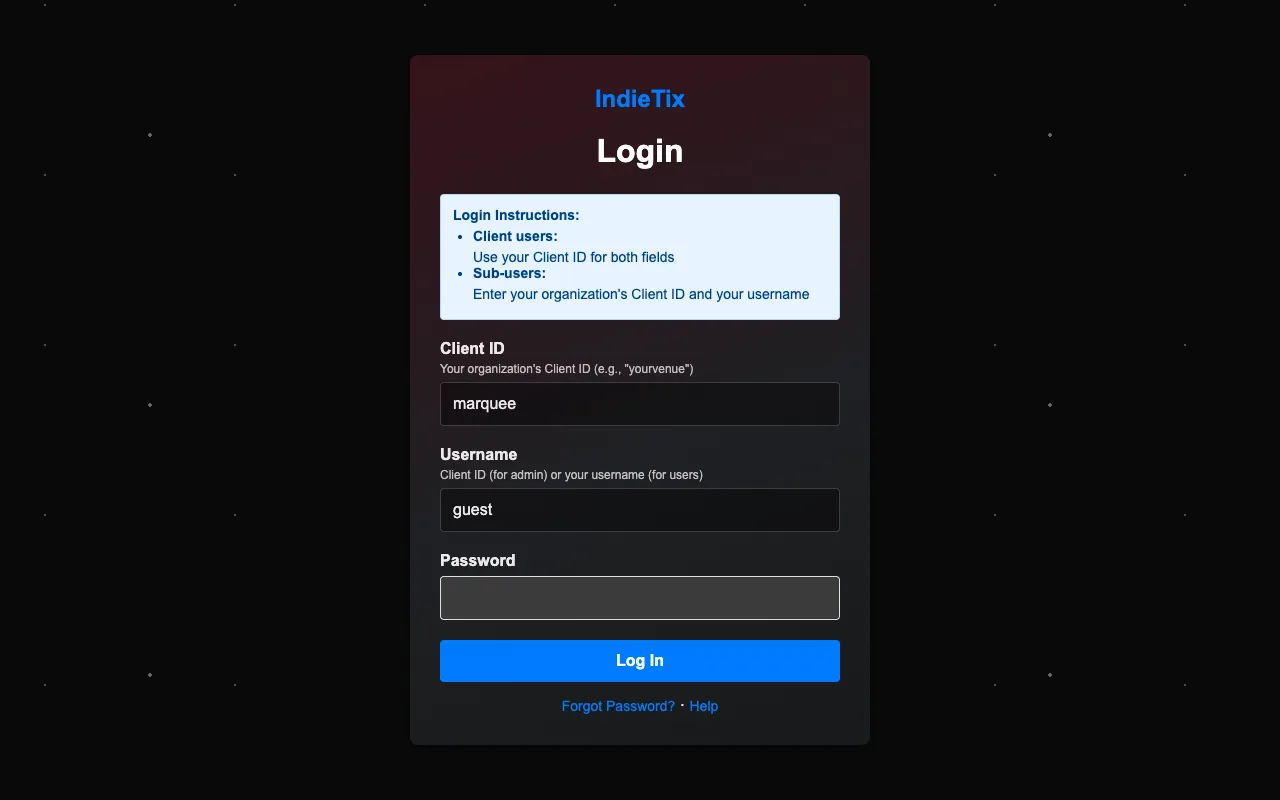
- Open your venue's web address (for example yourvenue.indietix.net). The Client ID is filled in for you there.
- Enter your Username and Password. For the venue's main login, the username is the Client ID.
- Choose Log In. You land on the first page your permissions allow, and the menu shows only what you can use.
- Forgot your password? Staff accounts can use "Forgot password" on the login page.
- Lost the venue's main (client) login password? Email support from the venue's contact address; IndieTix resets it after checking it's really the venue.
- A login lasts up to 24 hours. Changes to a staff account's permissions take effect the next time that person logs in.
First things to set up
Log in with the venue's main login and open Client Settings. Fill in these first; each has its own page in this guide.
- Theater Settings: the venue name shown in the header (Web Header Company) and your logo (Settings and your web address).
- Event Locations: your rooms or stages, so showtimes can say where they are.
- User Names: the people who process refunds, for the refund form's "Processed By" list.
- Square Ticket Items: your ticket types and prices for new movies and events (Adding movies and events).
- Sender Email: the address ticket emails come from.
- OMDB API Key: a free key from omdbapi.com, so Movie Info Lookup can find films.
- Terms & Privacy Pages: the venue's legal name and contact details for its own terms and privacy pages.
- Staff accounts: add them in User Management (Staff and permissions).